

本条目已更新至 1.2.1 版(本站原为 1.1.35)。旧版目录仍保留在网盘,见文末说明。
官方一句话:
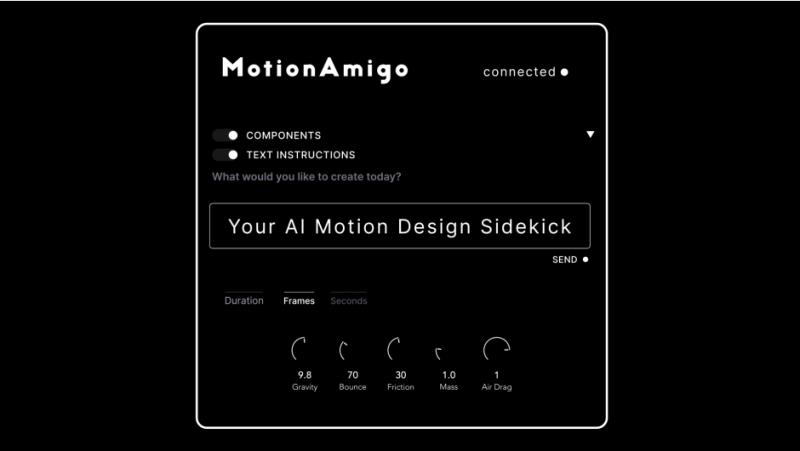
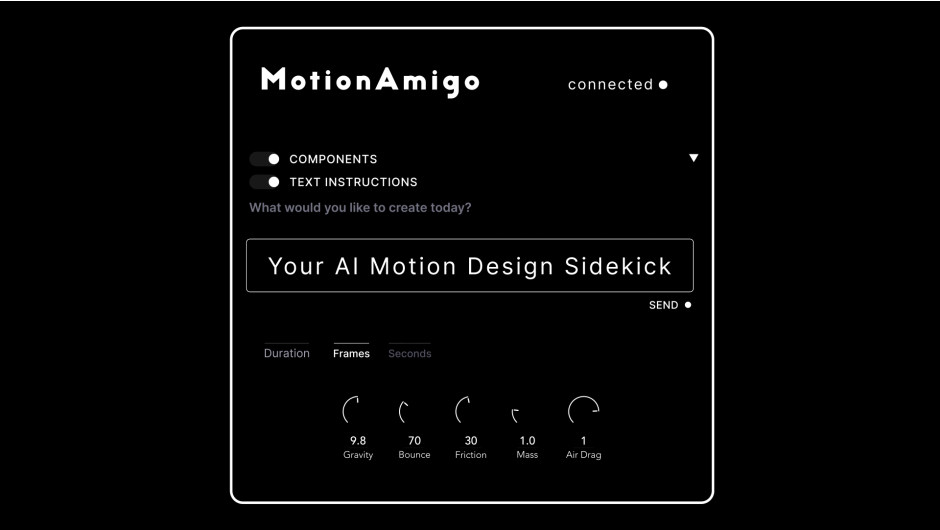
MotionAmigo is an After Effects plugin that brings AI agents into motion design workflows. Its CEP panel spawns a Claude Code or Codex instance inside AE, running on your own AI subscription. Through MotionAmigo your agent connects to our remote MCP server to become an After Effects scripting expert. With 300+ tools spanning compositions, layers, shapes, keyframes, expressions, and more, your agent can animate and design from natural language.
(MotionAmigo 是把 AI 代理带进动效工作流的 AE 插件。它的 CEP 面板在 AE 里启动一个 Claude Code 或 Codex 实例,跑在你自己的 AI 订阅上。通过 MotionAmigo,你的代理连接到我们远端的 MCP 服务器,成为 After Effects 脚本专家。拥有横跨合成、图层、形状、关键帧、表达式等 300+ 个工具,你的代理可以用自然语言做动画与设计。)
一、为什么用它(官方 Why MotionAmigo?)
It works inside AE.——The panel docks alongside your other extensions and writes directly to your timeline. No separate app, no web tool, no cloud round-trip.(就在 AE 里工作。面板与其他扩展并排停靠,直接写进你的时间线。没有独立应用、没有网页工具、没有云端往返。)
It outputs editable layers.——Every comp, shape, text layer, mask, and expression stays fully editable in After Effects (with the exception of the Sketch Component when rendered as frames).(输出的是可编辑图层。每个合成、形状、文本图层、遮罩与表达式在 AE 里都保持完全可编辑——例外是 Sketch 组件渲染成帧的时候。)
It runs on your existing AI subscription.——Hook it up to your Claude or ChatGPT plan and skip per-token API billing.(跑在你已有的 AI 订阅上。接上你的 Claude 或 ChatGPT 套餐,跳过按 token 计费的 API 账单。)
官方页另注:Now available on Windows as of v1.1.28!(自 v1.1.28 起支持 Windows)
二、官方演示视频目录
| 时间 | 章节 |
|---|---|
| 00:00 | Introduction |
| 00:13 | Test 1, Grid Pattern |
| 01:15 | Test 2, Bar Chart Animation |
| 01:43 | Test 3, Sketch Component |
| 02:39 | Test 4, Image Recreation |
三、组件一览(官方 Component Overview 逐项)
Text Instructions(文本指令)——Chat with your AI agent and describe what you would like it to generate. When you click Send, the agent will see the configuration you’ve set in other relevant components, bundle it all into its context and get to work. Within minutes the agent will generate all the AE parameters in your timeline.(跟你的 AI 代理对话,描述你想生成什么。点发送后,代理会看到你在其他相关组件里设好的配置,打包进上下文开始干活。几分钟内代理就会在你的时间线里生成所有 AE 参数。)
Typography(字体样式)——Build a small set of named font styles (family, weight, size, tracking, leading, etc.) for the AI to reference when creating text layers.(建一小组具名字体样式——字族、字重、字号、字距、行距等——供 AI 创建文本图层时引用。)
Color(颜色)——Curate and apply your palette of swatches.(整理并应用你的色板。)
Basic Transforms(基础变换)——Declare which transform properties (position, scale, rotation, opacity) the AI should keyframe, one row per transform. Each row can take qualifiers like Bounce, Anticipation, or Squash & Stretch to shape the motion, plus a free-text note describing the intended feel.(声明 AI 应该给哪些变换属性打关键帧——位置、缩放、旋转、不透明度,每个变换一行。每行可以加 Bounce、Anticipation、Squash & Stretch 等限定词来塑造动作,再加一句自由文本描述想要的感觉。)
Keyframe Velocity(关键帧速度)——Sets ease-in / ease-out speed and influence values that get applied to keyframes the AI creates.(设置缓入/缓出的速度与影响值,应用到 AI 创建的关键帧上。)
Anticipation & Overshoot(预备与过冲)——Add classic-animation timing: a pull-back before a move plus an overshoot and settle after it. Four sliders control antic amount, antic duration, overshoot magnitude, and settle.(加上经典动画的时序:动作前的回拉,加上动作后的过冲与回稳。四个滑块控制预备量、预备时长、过冲幅度、回稳。)
Bounce(弹跳)——Configure a bounce expression with amplitude, frequency, decay, and duration sliders.(用振幅、频率、衰减、时长滑块配置弹跳表达式。)
Grids & Distributions(网格与分布)——Generate algorithmic point arrangements: grid, radial, spiral, hex, halftone, lissajous, wave, brick, cluster. Parameters like count, spacing, radius, and seed shape the layout, and the AI uses the resulting points to place layers.(生成算法化的点阵排列:网格、放射、螺旋、六边形、半调、利萨如、波浪、砖块、簇。数量、间距、半径、随机种子等参数塑造布局,AI 用这些点来摆放图层。)
Layouts(版式)——Pick a compositional layout pattern (rule-of-thirds and similar framing guides) plus an element count. Lighter weight than Grids; aimed at framing and placement rules.(选一个构图版式(三分法与类似的取景参考线)加上元素数量。比 Grids 轻量,专注于取景与摆放规则。)
Motion Path(运动路径)——Draw a bezier path that the AI uses as the position curve for a layer. Good for arcs, pendulums, or hand-drawn trajectories.(画一条贝塞尔路径,AI 把它当作图层的位移动画曲线。适合弧线、钟摆或手绘轨迹。)
Physics(物理)——Set global physics parameters (gravity, bounce, friction, mass, air resistance) for the AI to use when simulating motion.(设置全局物理参数——重力、弹跳、摩擦、质量、空气阻力——供 AI 模拟运动时使用。)
四、1.2.1 / 1.2.0 版更新(官方版本历史)
1.2.1(2026-10-08):CHANGED——对没装 Codex 的用户,面板不再每次文本框重绘都去搜 Codex CLI。
1.2.0(2026-10-05):
- 模型与力度选择器:在文本框下方为下一条消息选模型与力度,取自你的 Claude 与 ChatGPT 账号提供的模型,力度从 Low 到 Max。每条发出的消息会显示它用的模型与力度,每轮结束显示耗时
- Auto 模式:开启后,请求不清楚时代理会自己做出最佳判断、继续推进,并在最后列出它的假设。也会不经询问就搜网。默认关闭
- Use your best guess:代理提问时有个按钮,让它挑最合理的选项继续
- Rate what the agent built:给代理做的结果点赞/点踩
五、包内容与安装
包内:Win/com.motionamigo.panel/(Windows CEP 面板,含 motionamigo-relay.exe)、Mac/com.motionamigo.panel/(macOS CEP 面板)。
安装:把对应平台的 com.motionamigo.panel 文件夹复制到 CEP 扩展目录——Windows:C:Program Files (x86)Common FilesAdobeCEPextensions;macOS:/Library/Application Support/Adobe/CEP/extensions。装好后在 AE 菜单 Window > Extensions > MotionAmigo 打开面板。
首次使用:需要你在面板里接上自己的 Claude 或 ChatGPT 订阅(或用 API key),插件本身不含 AI 额度。
版本核对:本包版本 1.2.1(CSXS/manifest.xml 里 ExtensionBundleVersion="1.2.1"、rar 内目录 MotionAmigo_V1.2.1、psdly 标题 V1.2.1,三方一致)。本站原为 1.1.35,本次按「同插件新版」规则升级覆盖。
兼容性(manifest 实测):宿主 After Effects 2024 及以上(<Host Name="AEFT" Version="[24.0,99.9]">);扩展 ID com.motionamigo.panel。
价格与授权:官方价格 $5.99 / 月(Recurring Monthly 月度订阅,不是买断;另有 Floating Server License);官方提供 Free Trial(macOS / Windows 双版本)。官方来源 aescripts.com/motionamigo/。
注意这是订阅制,且不含 AI 额度——跑在你自己已付费的 Claude / ChatGPT 订阅上。
官方版本历史:1.2.1(2026-10-08)、1.2.0(2026-10-05)。
本夸克目录内容:MotionAmigo_V1.2.1/(Win + Mac 双平台 CEP 面板)、cover.png、README.md。共 38 个文件 / 166969433 字节,与本地逐字节一致。
版本并存说明:旧版 1.1.35 的网盘目录原样保留,旧分享链接仍可用;本条目正文的分享链接指向新的 MotionAmigo 1.2.1 目录。
参数来源说明:官方一句话、Why MotionAmigo 三段、演示视频 5 个章节、Component Overview 13 个组件说明、1.2.1 与 1.2.0 版更新条目、价格 $5.99/月、Free Trial 均来自 aescripts 官方页;扩展 ID、版本号、宿主最低版本、包内文件清单来自 CSXS/manifest.xml 与 rar 内实际文件。非推测。
原产品页:https://aescripts.com/motionamigo/
封面图片来自作者官方产品页。本文为中文整理,功能与兼容性信息以作者官方页面与包内说明为准。资源仅供学习交流,商业使用请购买正版授权。












暂无评论内容