
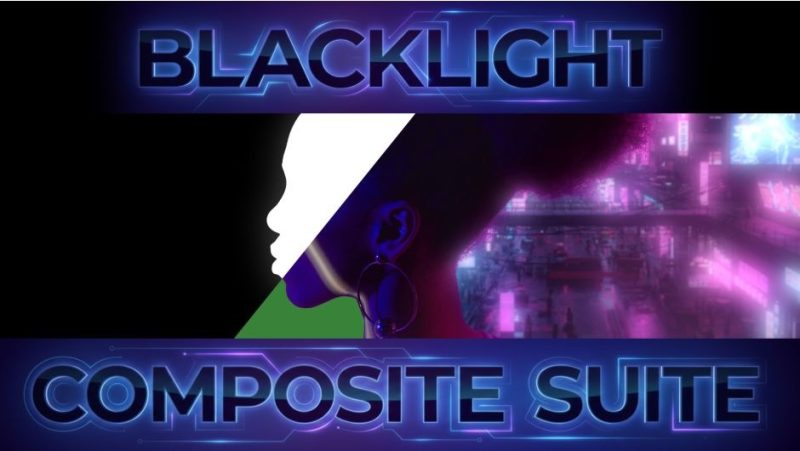

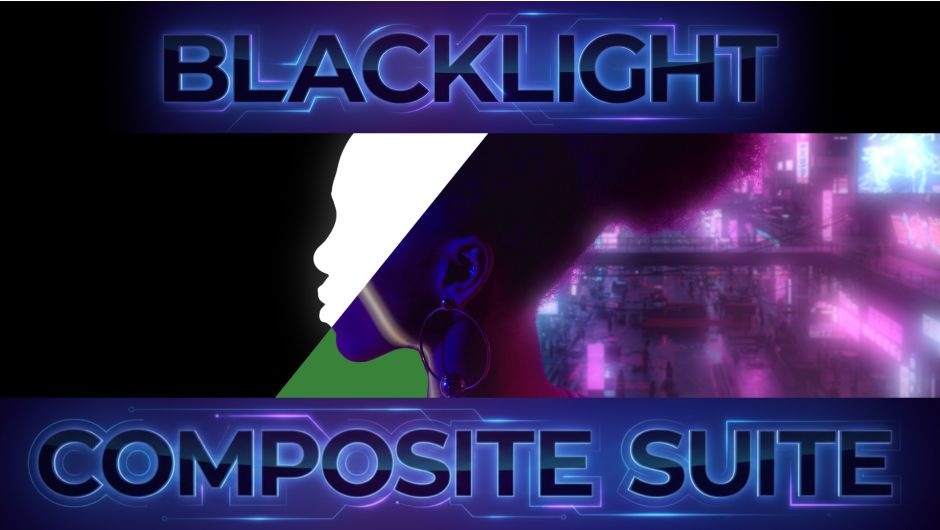
官方描述的第一句就把定位说清楚了:
Blacklight Composite is a suite of plugins dedicated to compositing work.
It offers various tools for embedding elements onto a background,
lighting, easy matte manipulation and color matching.
Blacklight Composite 是一套专门做合成的插件。
它提供把元素嵌入背景、打光、方便的遮罩操作和色彩匹配等各类工具。
★ 所以别把它当成「一个效果」。它是四个独立插件,各自解决合成里的一类苦活:
① Comper —— 把前景元素”焊”进背景(匹配光、色、光学特性)
② Smart Matte Choker —— 收遮罩边,但不吃掉细节
③ Fill Matte Holes —— 补掉抠像后遮罩里的破洞,不用手 K 遮罩
④ Color Match Analyzer —— 两层之间的色彩匹配,而且免费给所有人用
★ 这四个正好对应合成师最耗时的四件事:嵌合、收边、补洞、对色。
官方把它们打包卖 $299.00,其中第 ④ 个单独拿出来是免费的。
二、Comper:不用预合成也能把元素嵌进背景
官方原文:
A powerful tool for embedding an object onto a background by matching lighting,
color, and other optical traits. Combines multiple powerful tools into one
comprehensive solution. Doesn’t require pre-composing of the foreground and
background layers with transformations for correct overlap. Just move your
layers around the composition however you’d like and comper does the rest.
直译:
一个把物体嵌进背景的强大工具——通过匹配光照、色彩和其他光学特性。
把多个强大工具合进一个完整方案。不需要为了正确重叠而把前景与背景层
预合成并做变换。你只管在 comp 里随便挪图层,Comper 负责剩下的。
★ 这段里最关键的一句是 “Doesn’t require pre-composing”。
传统流程做嵌合是这样的:
背景层 + 前景层 → 各打一个 Adjust 层做光/色匹配 → 为了重叠正确还得把两层
预合成、再在预合成里调变换 → 一旦想挪位置,预合成里的变换就全乱了
Comper 把这些步骤压成一步:两层各自留在 comp 里,直接挂上 Comper,它自己算重叠。
★ 它匹配的是 lighting / color / other optical traits(光、色、其他光学特性)——
也就是说它不只是调色,还在管照亮关系。这是”元素看起来真的在那个环境里”和
“元素只是被调了色贴上去”的分界线。
★ 官方 1.2.0 的版本说明写得很实在(原文拼写有误,照录):
1.2.0 – Jun 30, 2026
New tool – Comper: A new and powerful comprehensive compositing tool that helps
ambed a forgeound element onto a background by matching lighting, color and
other optical traits.
也就是说 Comper 是 1.2.0 才加进来的新工具,1.2.0 之前的 Blacklight 没有它。
三、Smart Matte Choker:收边但不吃细节
官方原文:
Choke the matte without losing any of the fine detail. Apply selective matte
choking directions, to surgically treat problem areas without affecting others.
Apply various edge processes for different edge looks, or choke retaining the
original edge sharpness.
直译:
收缩遮罩而不丢失任何细节。可以只对特定方向做选择性收缩,像外科手术一样
只处理问题区域而不影响别处。也可以对边缘套用各种处理得到不同边缘观感,
或者在收缩的同时保留原始边缘的锐度。
★ 这条解决的是抠像后最常见的一个两难:
· 不收边 → 边缘留一圈背景色(绿边、白边、半透明脏边)
· 收边 → 头发丝、绒毛、细线一起被吃掉
官方的解法是分成方向做:只在有问题的那个方向收,别的地方不动。
★ “retaining the original edge sharpness”(保留原始边缘锐度)是它的第二个卖点:
很多 choke 做法本质是把遮罩整体腐蚀,边缘会变糊;它能让边缘在收缩后依然锐。
四、Fill Matte Holes:补掉遮罩里的破洞
官方原文:
Fix undesired holes left in the matte after keying without manual roto or mask work.
Set fine control over the size threshold with a fade range to avoid flickering.
直译:
修掉抠像后遮罩里留下的不想要的洞,不用手动 roto 或画遮罩。
可以精细控制尺寸阈值,并带一个渐变范围来避免闪烁。
★ 抠像最烦的就是这个:主体里有一块和背景同色的区域(白衣上的绿、玻璃反光、
深色头发里的亮丝),key 一打就出洞,得一个个手画遮罩补。
Fill Matte Holes 是按尺寸阈值自动填——小于阈值的洞直接补上。
★ “fade range to avoid flickering” 这句很关键:如果阈值是一条硬线,
洞的大小逐帧在阈值上下浮动,就会逐帧一会儿补一会儿不补 = 闪烁。
给一个渐变范围就意味着阈值附近是平滑过渡的,不会闪。
五、Color Match Analyzer:免费的,但一点不糊弄
官方原文:
Color Match Analyzer allows for fast and accurate color matching between two layers.
Match shots in a sequence or a foreground to a background with a single click.
High precision controls allow for detailed fine tuning of the results.
Match using the entire frame or just a selected region for localized elements.
Free for everyone to use. Install Blacklight Composite Suite trial and use this plugin freely.
★ 三条硬信息:
· 一键匹配两层次——序列里相邻镜头之间对色,或前景对背景对色
· 可以只匹配局部区域(Match using the entire frame or just a selected region)
——做局部元素的时候这条非常有用,否则整帧匹配会把不该改的地方也改了
· “Free for everyone to use”:它对所有人免费,装试用版就能免费用这个插件
★ 1.2.0 里它也得到了更新(官方原文):
· Separate analyze methods for the foreground and background.
——前景与背景可以分别选择分析方式(不再被迫用同一种算法)
· Improved handling of midones in render.
——改进中间调处理(”midones” 是官方原文的拼写,应为 midtones)
六、包内实测 + 安装
我把 rar 解开逐字节核过,一共 13 个文件 / 14,741,332 B(含一个 macOS 用的 .DS_Store,属打包残留):
Windows 侧(Win/Blacklight/):
Comper/Comper.aex 1,778,176 B ← 嵌合工具
ColorMatchAnalyzer/ColorMatchAnalyzer.aex 1,559,040 B ← 免费色彩匹配
MatteHolesFill/MatteHolesFill.aex 1,543,680 B ← 补遮罩洞
SmartMatteShrink/SmartMatteShrink.aex 1,518,080 B ← 收边(=官方 Smart Matte Choker)
_license_manager/license_manager.bwm_win 914,944 B ← 授权管理器
_common/session.aex 268,800 B ← 公共会话模块
_common/bw_core_modules.bwm_win 230,912 B ← 公共核心模块
_resources/*.png(person_shaded、person_detailed 等 4 张) ← 面板示意图
macOS 侧:
Mac/Blacklight Composite Suite 1.2.0.dmg 6,893,986 B ← Mac 安装镜像
★ 两个注意点:
· `_common` 和 `_license_manager` 不能删。 它们是四个插件共用的运行时与授权模块,
只拷 .aex 而不拷这两个目录,插件会加载失败。
· .aex 是 Windows 的 AE 插件格式,Mac 用的是那个 dmg。 别把 .aex 拷到 Mac 上。
安装(Windows)
1. 把 `Win/Blacklight/` 整个目录拷到 AE 的插件目录:
`C:Program FilesAdobeCommonPlug-ins7.0MediaCore`
(或 AE 自己的 `Support FilesPlug-ins` 下)
2. 保持 `_common` 与 `_license_manager` 相对位置不变
3. 重开 AE,Effect 菜单里会出现这四个插件
4. 首次使用需要用授权管理器激活
安装(macOS)
挂载 dmg,按向导走即可。
七、谁该用它,谁不用
该用:
· 天天做抠像+嵌合的合成师——这四件事就是日常最耗时的四件
· 需要把 3D 渲染的元素放进实拍背景,且希望光照关系对得上的人
· 抠像后总要手画遮罩补洞、收边的人
· 需要快速在多镜头之间统一色调的人(这条 ColorMatchAnalyzer 免费就能干)
不用:
· 只做纯动态图形(motion graphics)、不涉及实拍抠像的人——
这里面的工具对你几乎没有用武之地
· 已经有 Nuke / Fusion 在做合成主流程的人——AE 侧的这套是给”留在 AE 里干活”的人准备的
价格提醒:官方 $299.00,是这四件里最贵的一档(单买的话 Extendo 那类插件是 $59.99 级别)。
建议先用官方试用(trial)确认在你机器上来得及,再决定。包内这份就是正式安装包,授权请到官方页购买。
原产品页:https://aescripts.com/blacklight-composite-suite/
封面图片来自作者官方产品页。本文为中文整理,功能与兼容性信息以作者官方页面与包内说明为准。资源仅供学习交流,商业使用请购买正版授权。









暂无评论内容