
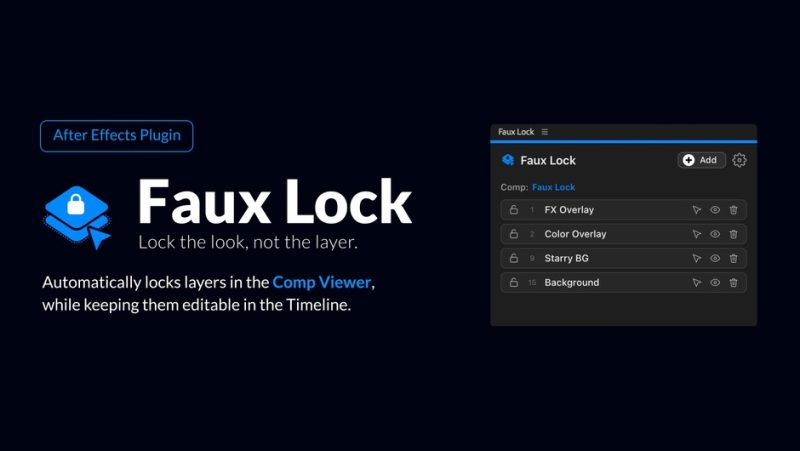

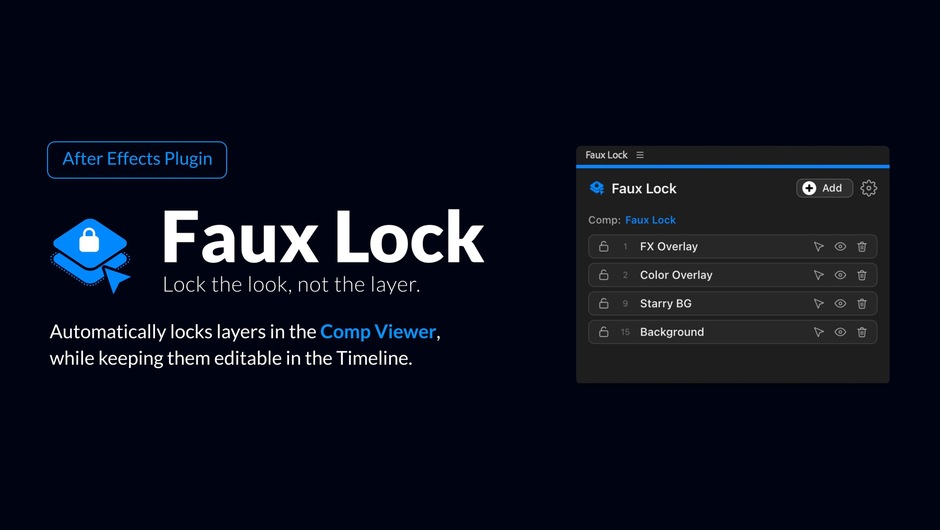
官方 slogan 只有一句,但很准:Keep the layer. Lose the click trap.(留着这个图层,甩掉那个点击陷阱。)场景做 AE 的人都懂:你在 comp 上铺了一整块满画幅调整层,于是 comp 窗口里你点什么都被它吃掉——想选它下面的素材层,只能去时间线里翻,或者先把调整层眼睛关掉、选完再打开。
★ 官方的核心洞察在这里:Native Cmd/Ctrl+L locks a layer everywhere. Faux Lock splits the surfaces: locked where it gets in your way, free where you actually edit.
原生 Cmd/Ctrl+L 是「到处都锁」——时间线里也锁了,你连改都改不了;而 Faux Lock 把两个界面拆开:在挡路的地方(comp 视口)锁,在真正干活的地方(时间线)自由。
★ 而且它不用你手动开关——这是它最优雅的地方。官方叫 AUTOMATIC SWITCH:Timeline selection temporarily releases a target so you can transform it, while viewport interaction restores click-through behavior. 在时间线选中它 → 临时解除锁定、可以自由变换;回到 comp 窗口 → 自动恢复穿透。
★ 它是编译的原生实时引擎,不是 ExtendScript 变通。官方特意强调这句。因为「让图层点不中」在 AE 里很难优雅实现——很多同类小工具本质是「定时检测选中项 → 手动切 Lock」的脚本循环,后果是卡、冲突、Undo 历史被塞满。它是 .aex / .plugin 原生插件,引擎直接在点击判定里工作。
★ 官方还坦诚说明了一个「看起来像 bug 其实不是」的行为:它确实会切 AE 内置的图层 Lock,所以 Undo 历史里会出现一条「Faux Lock」记录。官方原话:This is expected After Effects behavior for any plugin that touches the lock, not a project or plugin error. 而且它已把每次切换合并成单条 Undo。看到它别以为出问题了。
★ 包内实测 35 个文件、双平台同构:Windows 是 FauxLock.aex(245,248 B)+ CEP 面板,macOS 是 FauxLock.plugin(主二进制 2,074,656 B)+ 同构面板。manifest 实测 Host AEFT [24.0,99.0]、版本 1.0.1——这正是它只支持 AE 2024 及以上的原因(24.0 = AE 2024)。价格 $14.99,有 FREE TRIAL,支持 macOS 11+ / Windows 10+。
一、它解决的问题:一个编译级的小痛点
Faux Lock makes layers click-through in the After Effects Comp viewport while they stay fully selectable and editable in the Timeline. Stop fighting adjustment layers, guides, and mattes that swallow your clicks, lock them where they get in your way and keep editing them where you actually work.
★ 官方把这个问题叫 click trap(点击陷阱)。典型场景:满画幅调整层铺在最上面,comp 窗口里点什么都被它吃掉;参考线层、遮罩层、各种控制层同理。
★ 原生方案的局限:Native Cmd/Ctrl+L locks a layer everywhere. Faux Lock splits the surfaces: locked where it gets in your way, free where you actually edit.
· Cmd/Ctrl+L:到处都锁 → 时间线里也动不了
· Faux Lock:comp 视口锁、时间线自由——把「看得见」和「点得中」这两件事解耦了
★ slogan:Keep the layer. Lose the click trap.(留着这个图层,甩掉那个点击陷阱。)不用为了能点中下面的层而把挡路的层删掉或关掉。
二、为什么它必须做成原生插件
Native real-time engine, not an ExtendScript workaround.
★ 这句为什么重要?「让图层点不中」在 AE 里是个无法优雅实现的需求。脚本层(ExtendScript)能做的事很有限,而且脚本触发有延迟、有刷新问题。很多同类「小工具」本质是「定时检测选中项 → 手动切换 Lock」的脚本循环,后果是卡、冲突、Undo 历史被塞满。
Faux Lock 是编译的原生插件(.aex / .plugin),引擎直接在 AE 的点击判定里工作。官方参数页也写明 ENGINE: Native real-time plugin。
★ 官方主动交代的已知行为(很重要):
Faux Lock makes layers click-through by toggling After Effects 内置的 layer Lock as you click in and out of the Composition viewer. After Effects records every lock/unlock switch, so you may see a small 「Faux Lock」 entry in your Undo History. This is expected After Effects behavior for any plugin that touches the lock, not a project or plugin error. Faux Lock groups each switch into a single Undo entry to keep it as small as possible.
★ 翻译:它确实会切 AE 内置的图层 Lock 状态,所以 Undo 历史里会出现一条「Faux Lock」记录——这是 AE 对所有动锁插件的统一行为,不是报错。而且它已经尽量把每次切换合并成单条 Undo。看到它别慌。
三、四项能力
① ADD TARGETS(添加目标)
Mark the layers that should stop catching viewport clicks. Add full-comp adjustment layers, guides, mattes, controls, or any top layer that gets in the way.
★ 三种加法:Bulk add(批量加)/ Target list(目标列表)/ Panel control(面板控制)。
★ 官方点名能处理:满画幅调整层、参考线、遮罩、控制器——这正是最挡路的那几类。
② AUTOMATIC SWITCH(自动切换)
Free it in the Timeline, lock it again in the viewport. Faux Lock follows your editing surface.
★ 最优雅的一环:不用手动开关。时间线选中 → 临时释放、自由变换;回到视口 → 自动恢复穿透。官方参数页写着 Click-driven / No manual toggle / Timeline editable。
③ LIVE UPDATES(实时跟踪)
The panel tracks target state as compositions update, so the lock list stays useful during normal After Effects iteration.
★ 切 comp、换选中、加图层,面板状态实时跟上——不会出现「面板显示已锁但实际没锁」的错位。
④ PANEL COLORS(状态配色)
A compact technical interface uses clear state color so locked, released, and active targets remain easy to scan in production work.
★ 三种状态用颜色区分:已锁 / 已释放 / 当前活动目标。目标一多,靠颜色扫比逐个读文字快得多。
四、v1.0.1 更新:只动面板,引擎没变
官方 VERSION HISTORY 原文:
New
· Quick on/off toggle in the main panel. Enable or disable Faux Lock without opening Settings. Your targets stay in the list; disabled rows are dimmed so you can tell at a glance that Faux Lock is paused.
· Timeline selection highlight. When you select a layer in the After Effects timeline, the matching row in the panel is highlighted.
Improved
· 上面两条都能在 Settings > General 里单独关掉
· 授权框架升级到最新
★ 作者特意注明:Note: this is a panel-only update. The core engine is unchanged.——1.0.1 只动了面板,核心引擎跟 1.0 完全一样。所以如果你已经在用 1.0,升级的收益就是「少点两次设置」和「不搞错目标」。
★ 两条新增的实际价值:① 快速暂停——某些场景你会希望所有图层都能点(比如整体调构图),一键暂停比逐个移除目标快;② 选中高亮——目标列表里十几个条目时,你能立刻知道当前在时间线选的是哪一行。
五、安装与适合谁
安装(两步,缺一不可):
· 先装原生插件:Windows 把 FauxLock.aex 放到 C:Program FilesAdobeCommonPlug-ins7.0MediaCore;macOS 把 FauxLock.plugin 放到 /Applications/Adobe After Effects 20XX/Plug-ins/
· 再装 CEP 面板:com.onderk.fauxlock 目录放到对应扩展目录(~/Library/Application Support/Adobe/CEP/extensions/ 或 Windows 的 AppDataRoamingAdobeCEPextensions),重启 AE,从「窗口 → 扩展」打开
★ 官方写 INSTALL: aescripts + aeplugins manager——用官方管理器装最省事,手装才需要上面两步。只装面板不装插件是没用的,这是最容易搞错的地方。
适合:
· 习惯在 comp 上铺满画幅调整层做调色/风格化的人
· 用参考线层、遮罩层、控制器层搭模板的人
· 做模板交付的人——模板里那些不能被误选的层,用它一次性解决
· 频繁在 comp 窗口点选(而不是时间线找层)的人
不适合:
· AE 2023 及更早的用户——它只支持 2024+(Host 24.0 起),这是硬门槛
· 不介意手动关眼睛选层的人——痛感不够,装了也用不上
· 不能接受 Undo 历史里多一条记录的人——这是官方明说的固有行为
· macOS 10.15 或 Windows 8 等老系统——官方要求 macOS 11+ / Windows 10+
原产品页:https://aescripts.com/faux-lock/
封面图片来自作者官方产品页。本文为中文整理,功能与兼容性信息以作者官方页面与包内说明为准。资源仅供学习交流,商业使用请购买正版授权。












暂无评论内容