
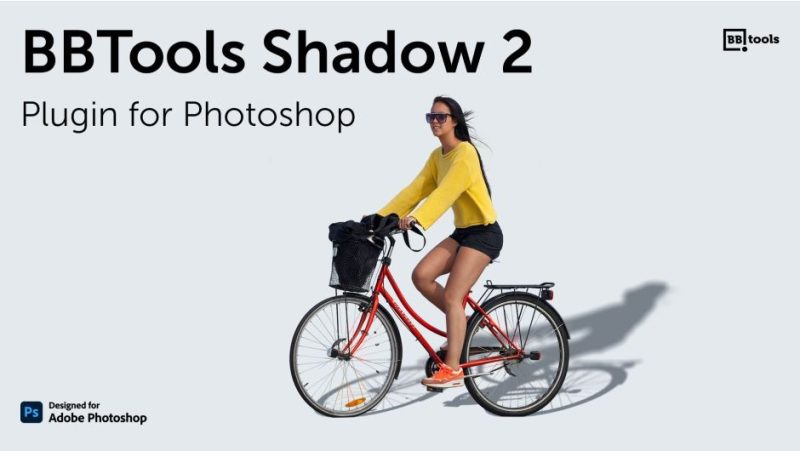

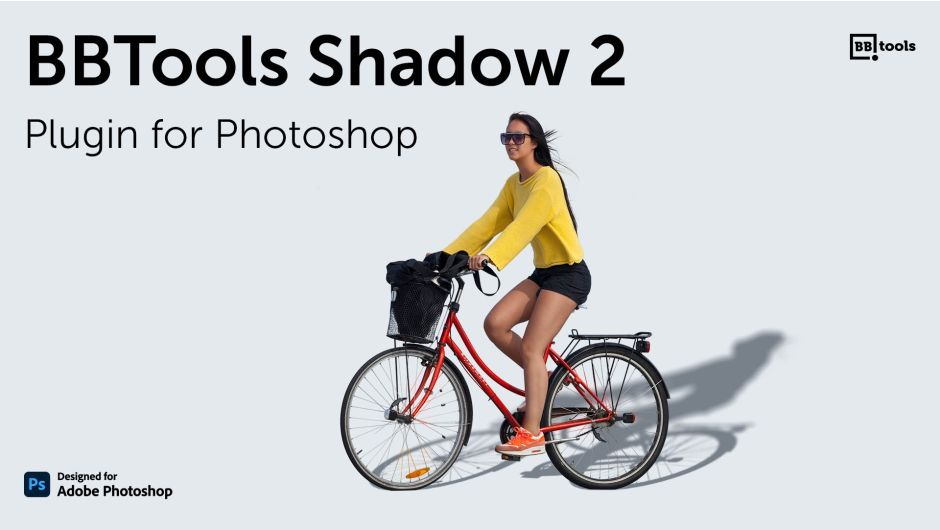
官方一句话:“Plugin for Adobe Photoshop that adds lifelike shadows to objects in a standing position.”(给站立姿态的物体加上逼真投影的 Adobe Photoshop 插件。)
官方完整描述:
Compatible layer kinds: text, smart objects, and regular layers. Opt for an angle (manually set or utilize the “Sun position” choice), adjust scale, blur (for shadow dispersion), opacity, and color settings.
(兼容的图层类型:文字、智能对象与普通图层。可选一个角度(手动设置,或用「太阳位置」选项),再调缩放、模糊(投影扩散)、不透明度与颜色设置。)
官方封面标语:BBTools Shadow 2 — Plugin for Photoshop,角标 Designed for Adobe Photoshop。
一、六个参数(官方逐项说明)
| 参数 | 官方说明 |
|---|---|
| Angle(角度) | Shadow angle (1 – 359 degrees)(投影角度,1–359 度) |
| Scale(缩放) | Shadow length (1 – 100), a relative value based on the object’s size and varying with shadow angle.(投影长度 1–100,是基于物体尺寸的相对值,随投影角度变化) |
| Blur(模糊) | Shadow dispersion in pixels (1 – 100)(以像素为单位的投影扩散,1–100) |
| Opacity(不透明度) | Shadow opacity (1 – 100)(投影不透明度,1–100) |
| Color(颜色) | Shadow color(投影颜色) |
| Sun Position(太阳位置) | Determines shadow angle based on the object’s relative position from a user-defined point created using Photoshop’s Pen tool.(根据物体相对于一个用户定义点的位置决定投影角度,那个点用 Photoshop 的钢笔工具创建) |
另有 Auto-update(自动更新):
Automatically adjusts the shadow whenever any of the above parameters are changed.
(上面任何一个参数变化时自动调整投影。)
二、面板功能(从 JS 的 i18n 表读出)
主操作按钮 Create Shadow(创建阴影);Help 与 Support 两个命令入口;Preset(预设)区可 New / Save / Update / Delete / Rename / Reset,预设可命名,重置时弹确认「Are you sure you want to reset all presets?」
数值校验提示:Number must be greater than or equal to {{number}}.、Number must be less than or equal to {{number}}.、Expected number、Expected integer
运行状态与错误提示:
Creating shadow.../Updating color.../Updating opacity...No document.(没有打开的文档)Shadow layer is already selected.(投影图层已被选中)No work path found.(没找到工作路径)There must be exactly one point that represents the Sun.(必须恰好一个点代表太阳)Please select only one layer.(请只选一个图层)There must be exactly two points that represent the depth line.(必须恰好两个点代表深度线)Couldn't duplicate the layer.(无法复制图层)
Depth(深度):支持用两个点定义深度线,投影按深度关系计算——这是 2.9.x 加的能力。
内置多语言:en / fr / de / it / es 五种界面语言(跟随 Photoshop 的 uxp.host.uiLocale)。
三、技术形态
- UXP 插件(
manifestVersion: 6,host.app: "PS",minVersion: "24.2.0"即 Photoshop 2023+) - 面板尺寸:最小 200×200,最大 500×750,默认停靠 300×750
- 带 bolt-uxp-hybrid.uxpaddon 外挂加载体(win/x64、mac/x64、mac/arm64 三平台二进制)
- 权限:localFileSystem fullAccess、launchProcess、network(
ws://localhost:8080、https://bbtools.io、https://www.youtube.com、https://*.aescripts.com/)、clipboard、webview(hyperbrew.co)、ipc - 授权走 aescripts 框架(
aespInit,SKUBOGTS-SUL,内部号 51477452,支持试用)
四、安装(随包 read.txt)
Copy the
bbtools.shadow.plugin_PSfolder into the Photoshop plug-ins directory. For example, for Photoshop 2025:C:Program FilesAdobeAdobe Photoshop 2025Plug-ins
macOS 对应 /Applications/Adobe Photoshop <版本>/Plug-ins。
版本核对:本包版本 2.9.11(manifest version: "2.9.11"、rar 名 BBTools_Shadow_2.9.11.rar、psdly 标题 V2.9.11,三方一致)。已用 same_plugin.sh "BBTools Shadow" 查重,站点无同一插件(站点 3080 篇 BBTools Glow & Glare 2 是同厂另一款插件,非同插件)。
价格与授权:官方价格 $19.00。官方来源 aescripts.com/bbtools-shadow/。
官方兼容:Photoshop 2027 / 2026 / 2025 / 2024 / 2023。官方版本历史:2.9.11(2026-10-01,Minor performance improvements)。
升级优惠:2023 年 12 月 1 日之后买过 Shadow Photoshop Extension 的,可付 $6 升级(登录同账户自动显示升级价)。
本夸克目录内容:BBTools_Shadow_2.9.11/bbtools.shadow.plugin_PS/(UXP 插件本体:manifest.json、index.html、assets/、header.png、icons/ 10 个主题图标、win/x64 + mac/x64 + mac/arm64 三个 uxpaddon、debug.json)、read.txt、cover.jpg、README.md。共 19 个文件 / 2613877 字节,与本地逐字节一致。
参数来源说明:六个参数名及其官方说明、Auto-update 说明、升级优惠、价格 $19.00、Photoshop 2023–2027 兼容、版本历史 2.9.11,均来自 aescripts 官方页;面板按钮与菜单文案、i18n 五语言、数值校验与错误提示、Depth 深度线、UXP manifest 全部字段(含权限清单与三平台 addon)、SKU 与内部号、安装路径,均来自包内 manifest.json 与 assets/index-*.js(已定位到 i18n 资源段读取)。非推测。
原产品页:https://aescripts.com/bbtools-shadow/
封面图片来自作者官方产品页。本文为中文整理,功能与兼容性信息以作者官方页面与包内说明为准。资源仅供学习交流,商业使用请购买正版授权。






暂无评论内容