

本条目已升级到 v1.7.1(本站原为 v1.6.3)。旧版目录仍保留在网盘,见文末说明。
同时更正一处重要错误:本站旧版条目把这款插件描述成「AE 渲染直出编码器 / FFmpeg 内核输出模块」——那个描述是错的。它是效果插件(Effect Plugin),与输出模块、编码器、FFmpeg 都没有关系。本次按官方页面与包内插件二进制实证重写了介绍。
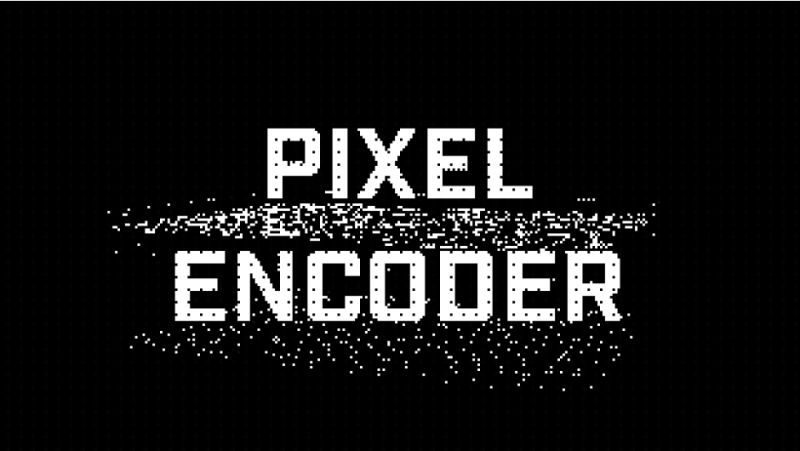
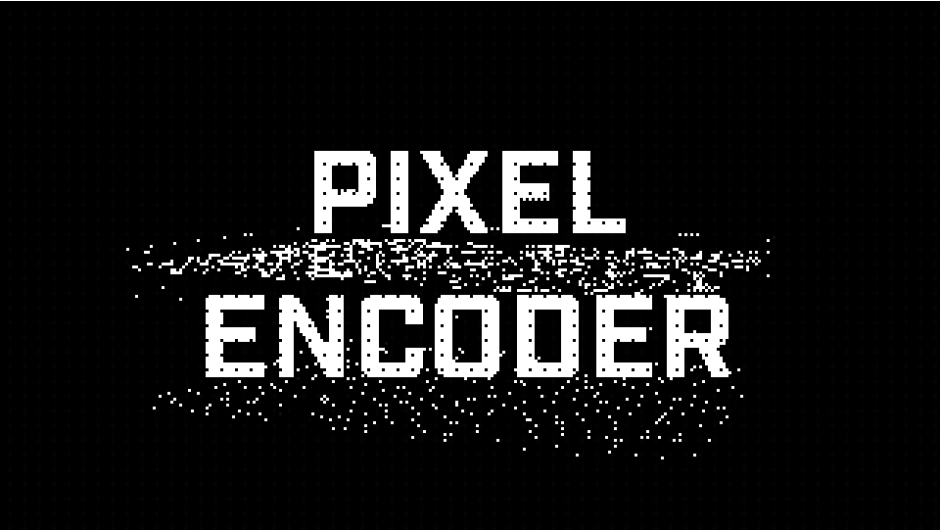
它到底做什么,官方原文一句话:“Pixel_Encoder is an effect plugin for Adobe After Effects and Premiere Pro. Apply it to any footage, and it converts the image into a grid of pixelated pattern tiles based on the brightness of the source. The output sits somewhere between ASCII art, mosaic graphics, and a hacked surveillance feed, ultimately taking on its own flavor of grungy digital texture.”
翻译:它是 AE 与 PR 的效果插件。拖到任意素材上,它会按画面亮度把图像重组成一格一格的像素图案瓦片。成品介于 ASCII art、马赛克图形、和被黑掉的监控画面之间,最终长出一种属于它自己的、粗糙的数字质感。
官网 $39.00,官方提供免费试用。开发者 MEGAKRUNCH。
一、10 种手工像素图案(官方列出,逐个译)
官方原文:“10 Patterns & Full Control – Customize your image with 10 hand-crafted pixel patterns such as: High Detail, Numbers & Letters, Horizontal Lines, Dots, Vertical Lines, Extra Grunge, Rings, Solid, Diagonal (left), and Diagonal (right). Then, tweak your image further with convenient scale, brightness, and contrast controls.”
| 图案 | 中文 |
| High Detail | 高细节 |
| Numbers & Letters | 数字与字母 |
| Horizontal Lines | 横线 |
| Dots | 圆点 |
| Vertical Lines | 竖线 |
| Extra Grunge | 重噪 |
| Rings | 圆环 |
| Solid | 实心 |
| Diagonal (left) | 左斜线 |
| Diagonal (right) | 右斜线 |
外加 scale(尺寸)、brightness(亮度)、contrast(对比度)三个调节项。插件里另有 Pattern Size、Pattern Offset X/Y、Invert Pattern(反相图案)、Enable Scale Lock(锁定缩放)等参数。
二、颜色自定义:自主配色 / 取原色 / 透明背景
官方原文:“Color Customization – Adjust the foreground and background colors of your visual output for quick control over your color palette. Or, check ‘Use Original Color’ to sample pixel colors from your source image. Get even crazier and create layered pixel collages using the built-in transparent background setting.”
- 前景色 / 背景色可调——直接掌控成品的配色。
- Use Original Color(使用原色)——勾选后从源素材里取样像素颜色,保留原本色彩。
- Transparent Background(透明背景)——勾上就能把这层叠起来做分层像素拼贴,官方说适合数字混合媒介与像素资产流程。
三、Chaos 混沌引擎:给任意预设注入受控的混乱
官方原文:“Chaos Engine – Inject controlled chaos into any preset. Check the ‘Enable Chaos’ box, and get access to Chaos Intensity, Random Seed, Randomize Pattern, and other parameters that flip pixel values, scramble tile assignments, and break clean geometry into…”
勾选 Enable Chaos 后解锁:Chaos Intensity(混沌强度)、Chaos Behavior(混沌行为)、Random Seed(随机种子)、Randomize Pattern(随机化图案)等参数——作用是把像素值翻转、瓦片分配打乱、干净几何打碎,给任意图案预设注入受控混乱。官方另有一段专门宣传这个:“GET A TASTE OF CHAOS – Pixel_Encoder features an array of built-in ‘Chaos’ controls designed to twist or corrupt your source images. Adjust intensity, behavior, animation speed, and more to create unique glitch effects.”
这些参数名不是我编的——在插件二进制里能逐个读到:Enable Chaos、Chaos Intensity、Chaos Behavior、Randomize Pattern、Invert Pattern、Pattern Size、Pattern Offset X、Pattern Offset Y、Enable Scale Lock、Use Original Color、Transparent Background、Tone Detection。
四、Tone Detection 色调检测(Update 1.7 新增,本包已含)
官方原文:“The Tone Detection feature (added in Update 1.7) gives you five different ways to adjust how Pixel_Encoder interprets your source footage. These options are: Luminance [Rec.601], Average, Red Channel, Green Channel, and Blue Channel.”
五种模式(插件里的下拉枚举实测就是这五个):
Luminance (Rec.601) | Average | Red Channel | Green Channel | Blue Channel
官方补充说明很实在:“In most cases, switching between these various modes will provide slightly different versions of the same source image. It’s a great way to ‘re-roll the dice’ if you’re not quite happy with what you’re getting but don’t want to make a major change to the vibe.”(多数情况下换模式只会得到同一画面的细微差异;效果不满意、又不想大改整体感觉时,换个模式相当于「重掷骰子」。)
这条是本包相对旧版 1.6.3 最实用的增量之一——五种色调检测是 1.7 才加入的。
五、官方另外三个说法(原文 + 译)
BUILT FOR FAILURE, MADE FOR PROS:“Because Pixel_Encoder reinterprets everything you give it through the internal tone detection system, the quality of your source material barely matters. Suffering from bad lighting, low resolution, and shaky handheld footage? Who cares. Pixel_Encoder isn’t here to judge.”(因为一切都经过内部色调检测系统重新解释,源素材本身的质量基本不重要。照明差、分辨率低、手持抖动?无所谓,它不挑食。)
PERFECT FOR LAYERING:“Just check the ‘Transparent Background’ box and start creating layered pixel looks in no time. Great for digital mixed media and pixel asset pipelines.”(勾上透明背景就能很快做出分层像素外观,适合数字混合媒介与像素资产流程。)
官方 Features 四条:Powerful effect plugin for creating striking pixel animations(强大的效果插件,做出醒目的像素动画)· Customize colors, pattern size, horizontal/vertical detail, & more(可自定义颜色、图案大小、水平/垂直细节等等)· 10 fully modular pixel pattern presets for a variety of styles(10 个完全模块化的像素图案预设,覆盖多种风格)· Compatible with After Effects and Premiere Pro(兼容 AE 与 PR)。
六、包内结构与一个重要安装提示
| 文件 | 字节 | 说明 |
Win version/English version/PixelEncoder_AEP.aex |
389,792 | Windows 英文版 |
Win version/Chinese version/PixelEncoder_AEP.aex |
389,792 | Windows 中文版 |
Mac version/Pixel Encoder 1.7.1.dmg |
4,360,657 | macOS 安装包 |
Windows 侧提供英文版与中文版两个插件文件——两份同名 PixelEncoder_AEP.aex、大小也一样,但内容是各自独立的构建(MD5 不同),装的时候二选一,按你惯用的界面语言选。
官方 1.7.1 更新日志里有一条必须注意的安装提示:
“Windows only: the plugin file is now named PixelEncoder_AEP.aex. If After Effects shows Pixel_Encoder twice, delete the old PixelEncoder.aex from your Plug-ins folder.”
(仅 Windows:插件文件现在叫 PixelEncoder_AEP.aex。如果 After Effects 里出现了两个 Pixel_Encoder,请从 Plug-ins 目录删除旧的 PixelEncoder.aex。)
也就是说:从旧版升级上来的人,先把旧的 PixelEncoder.aex 删掉再装,否则 AE 效果列表里会挂着两个同名项。
版本核对:本包为 v1.7.1(包内 mac 安装包文件名 Pixel Encoder 1.7.1.dmg、Windows 插件文件名 PixelEncoder_AEP.aex,与官方 VERSION HISTORY 里 1.7.1 说明的新文件名一致)。官方当前版本同样是 1.7.1(更新日期 Oct 2, 2026)——本包就是最新版。本站原为 v1.6.3(含 v1.6.1),本次按「同插件新版」规则做版本覆盖升级。文章地址(slug)保持不变,外链不断。
产品性质更正(重要):本站旧版条目把这款插件写成「AE 渲染直出编码器(FFmpeg 内核)输出模块」。经官方页面与插件二进制双重核对,它是效果插件(Effect Plugin):二进制里注册的效果名为 ADBE PixelEncoder、插件名 Pixel_Encoder,参数是 Tone Detection、Chaos、Pattern Size、Use Original Color 这类效果参数,另含描述串 “lo-fi grungy pixel animations.”——完全没有 FFmpeg、输出模块(Output Module)、编码格式相关的任何痕迹。FFmpeg 输出模块是另一款产品(AfterCodecs 一类)的功能,本站旧描述系误植,本次一并改正。
1.6.3 → 1.7.1 的增量:(1) Tone Detection 色调检测(Update 1.7 新增,五种模式:Luminance [Rec.601] / Average / Red / Green / Blue Channel);(2) 1.7.1 本身的 minor bug fixes、更新安装说明、Windows 插件改名为 PixelEncoder_AEP.aex。1.7 的色调检测是本包相对本站旧版最大的可用增量。
价格与授权:官方价格 $39.00,官方提供免费试用(FREE TRIAL)。开发者 MEGAKRUNCH。官方 FAQ 条目:License Code FAQ · How to download items · How to register plugins。
本夸克目录内容:Pixel_Encoder_v1.7.1_Win_Mac/(Win 英文版、Win 中文版、Mac dmg 共 3 个文件)、cover.png(940×530)、README-中文.txt。与本地逐字节一致。
版本并存说明:旧版 v1.6.3(含 v1.6.1)的网盘目录原样保留,旧分享链接仍可用;本条目正文的分享链接指向新的 Pixel Encoder 1.7.1 目录。
文案来源说明:官方 What is Pixel_Encoder? 全文、10 种图案名称列表、Color Customization、Chaos Engine、Tone Detection(含五种模式名与「重掷骰子」说明)、BUILT FOR FAILURE / PERFECT FOR LAYERING 两段、Features 四条、VERSION HISTORY 1.7.1 三条原文、COMPATIBILITY(AE 与 PR 两套完整列表)、$39.00、FREE TRIAL、开发者名均来自 aescripts 官方产品页原文;ADBE PixelEncoder、Pixel_Encoder、Enable Chaos、Chaos Intensity、Chaos Behavior、Randomize Pattern、Invert Pattern、Pattern Size、Pattern Offset X/Y、Enable Scale Lock、Use Original Color、Transparent Background、Tone Detection、Luminance (Rec.601)|Average|Red Channel|Green Channel|Blue Channel 枚举、lo-fi grungy pixel animations. 描述串、Windows 中英文两份 aex 的 MD5 不同、各文件字节数均来自解压后包的逐文件实证。以上均非推测。
原产品页:https://aescripts.com/pixel-encoder/
封面图片来自作者官方产品页。本文为中文整理,功能与兼容性信息以作者官方页面与包内说明为准。资源仅供学习交流,商业使用请购买正版授权。










暂无评论内容